Leveling up your links
tips

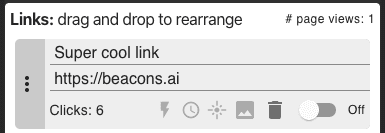
Starting from the left,
the lightning icon allows you to change link into a smart link. When visitors come to your Beacons page, they will automatically get forwarded to this one selected link for the scheduled time period. Read more about smart links here
the clock icon is a link scheduler, which launches a link on your page for a specific time interval. See below for more tips on link scheduling. Setting up a schedule is as easy as

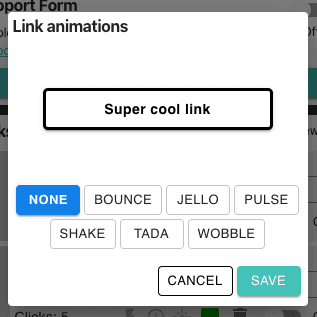
the flare icon lets you animate the link
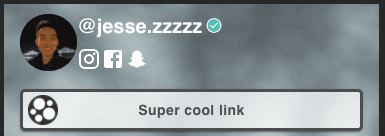
the image icon lets you set an image thumbnail for the link, for example a logo. You can also use an AI generated image, such as one from openart.ai for high quality custom images.

the trash icon lets you delete the link completely
Tips for link scheduling
Synchronize your link schedules with posts on your other social media profiles.
Link schedules can also be used to for limited-time offers or new releases
If you don't set a start time, your smart link will go into effect immediately.
If you don't set an end time, your link will permanently stay smart.